Professional Slides Without the Hours of Fiddling

Finished slides and decks for anyone who presents every week. Press any word or number on the slide, type your own, and export to PowerPoint, PDF or PNG

  • Look inside any slide free
  • Starts in your browser, nothing to install
  • Your decks save on this device
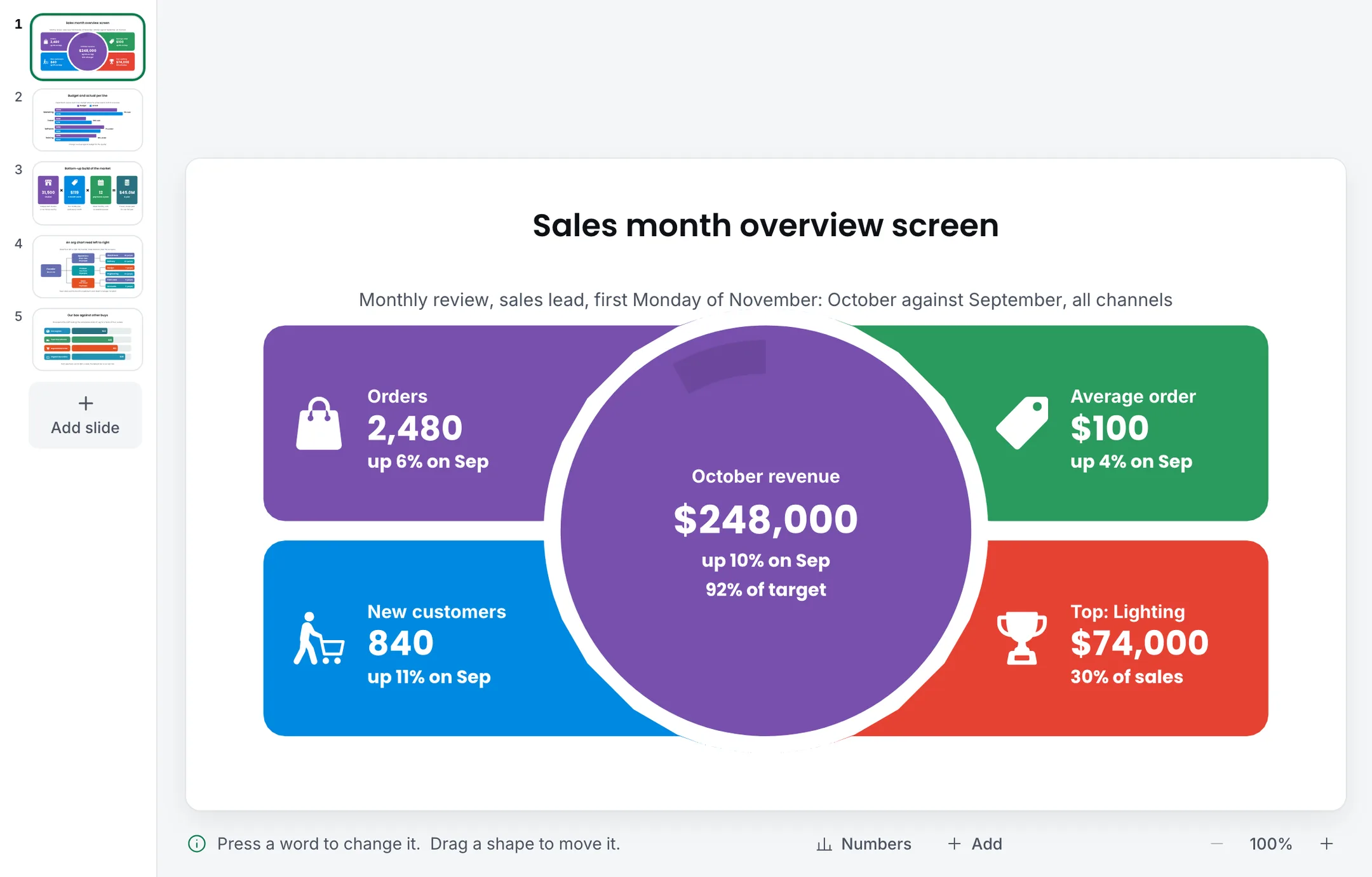
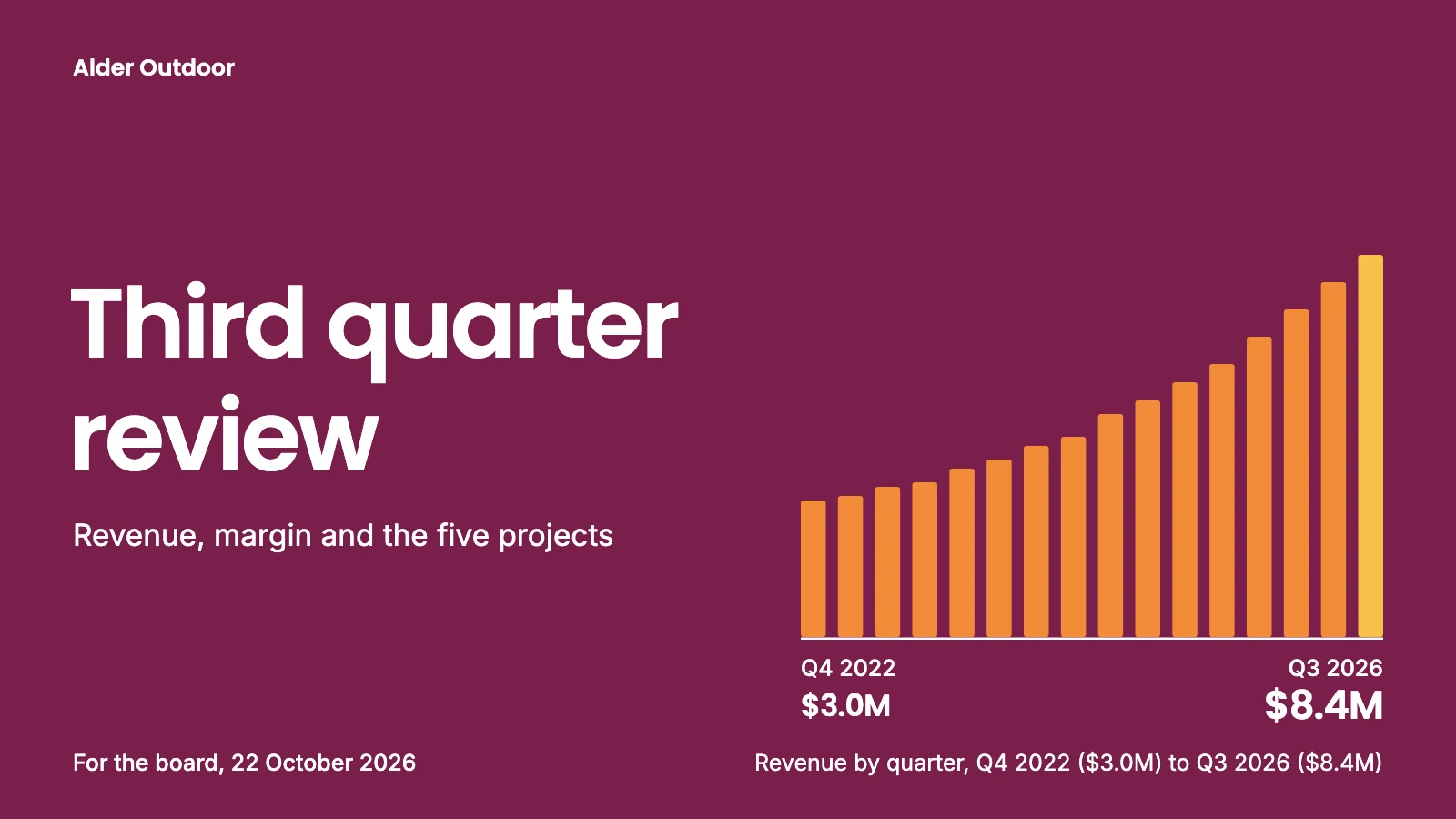
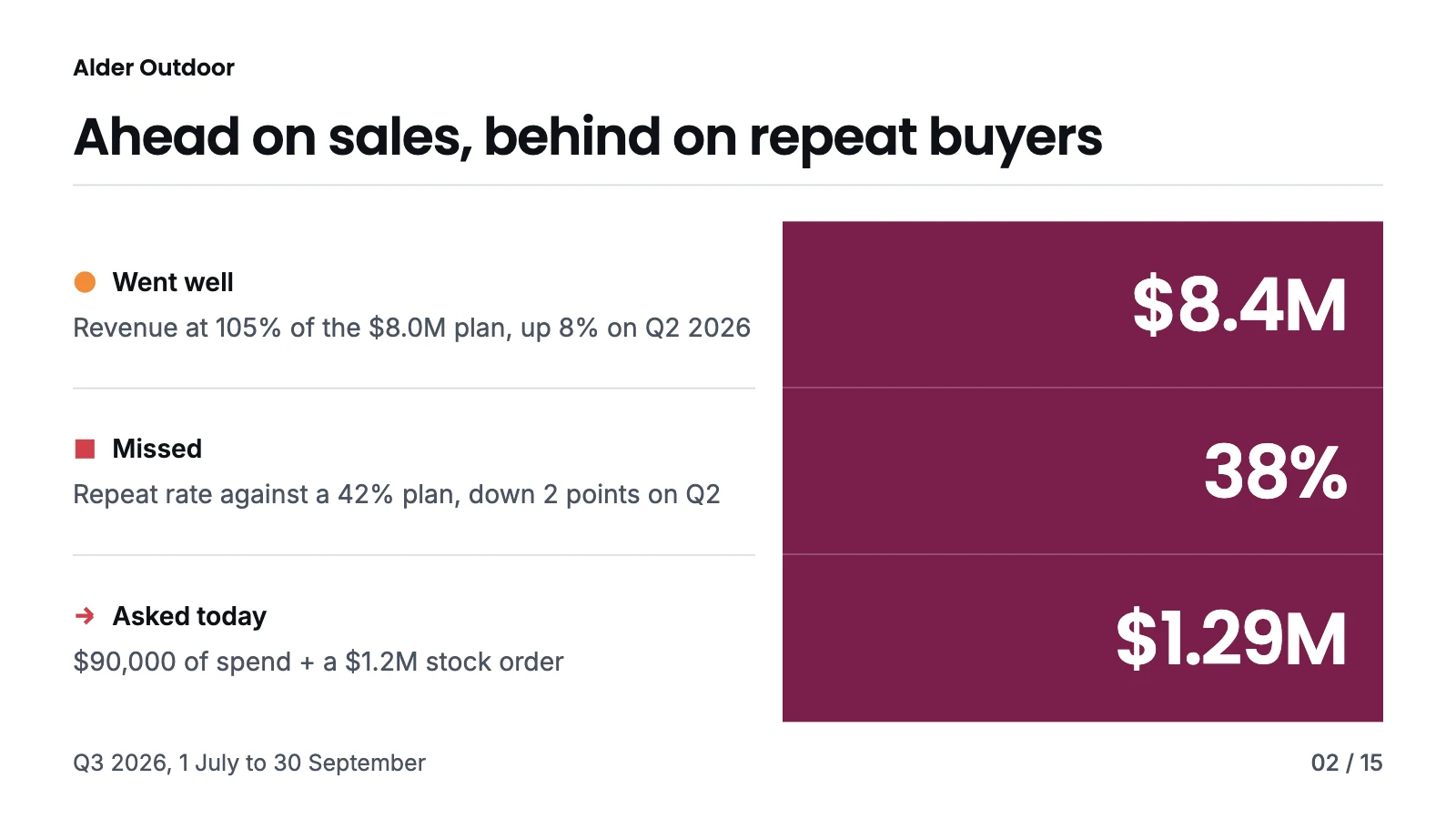
A five-slide quarterly update deck open in the editor: the slide strip on the left and the first slide large in the middle
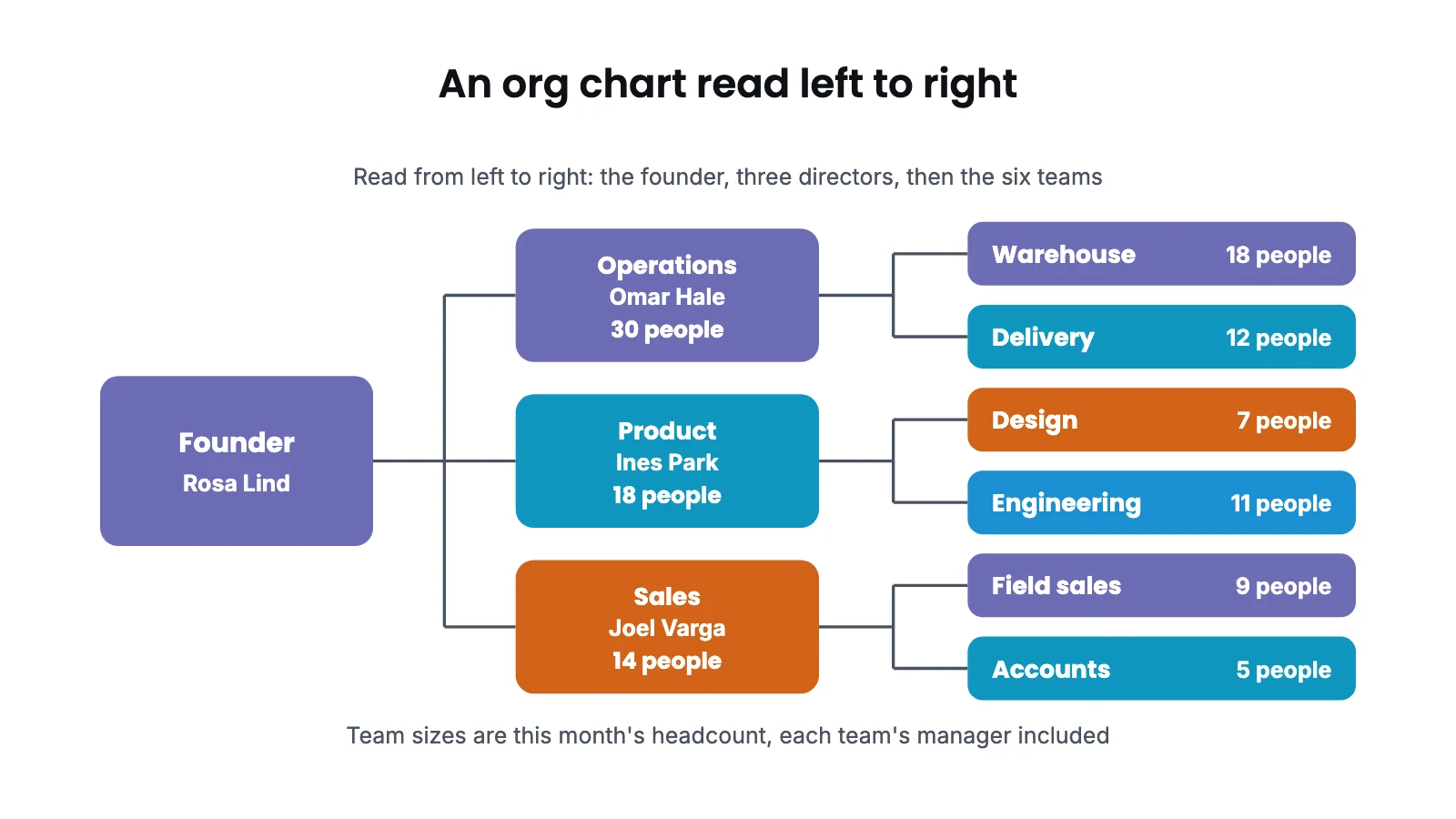
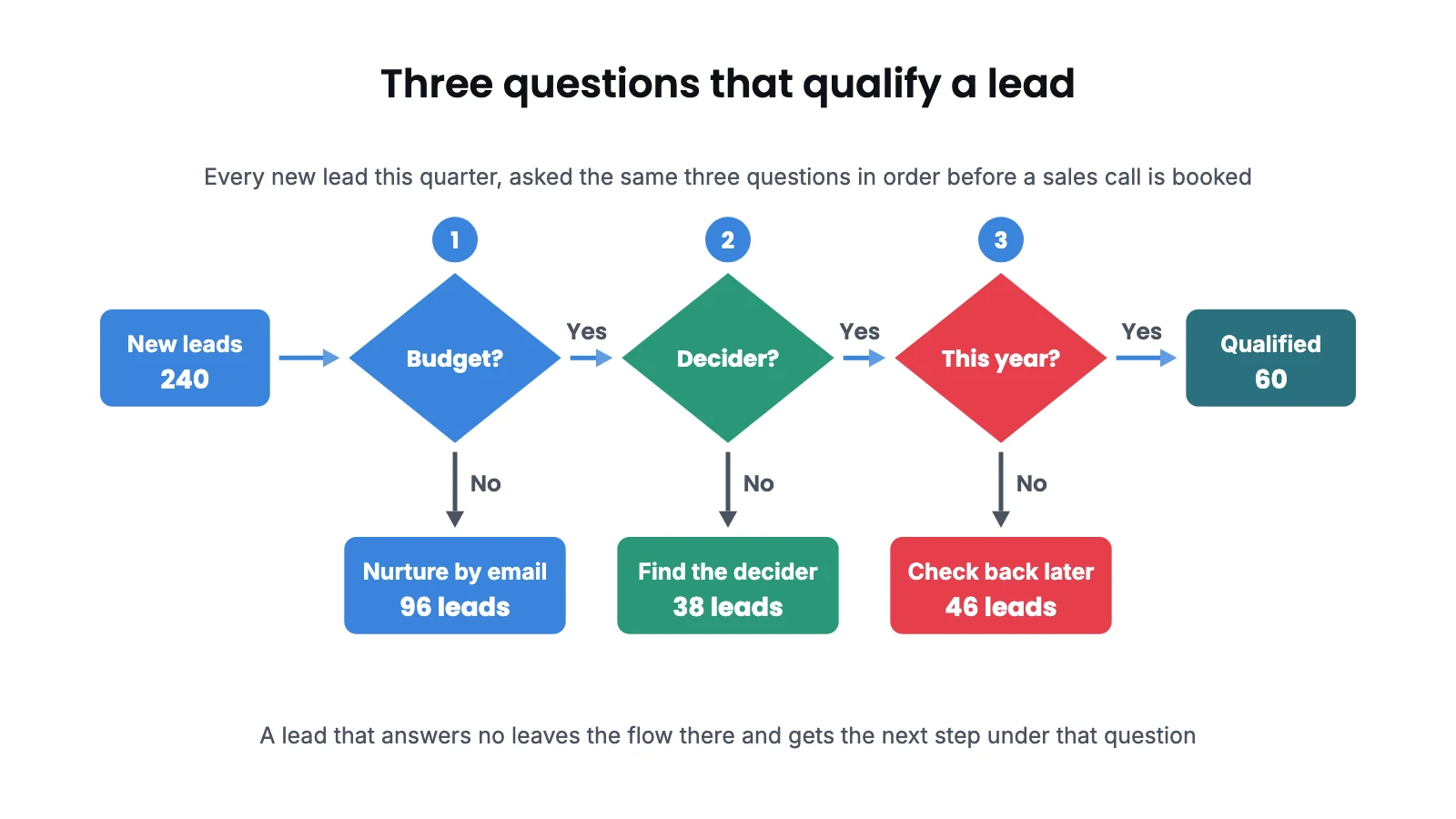
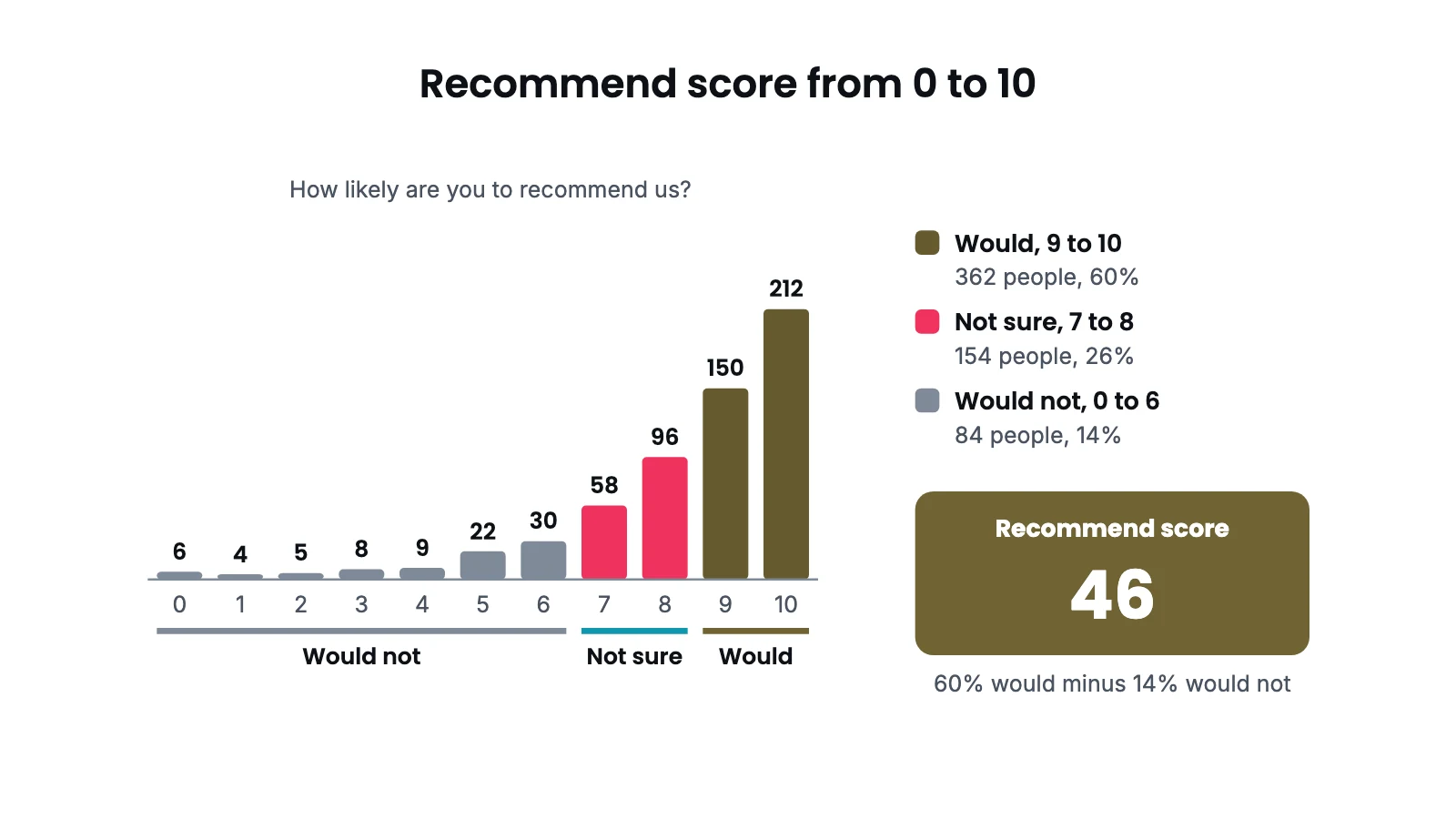
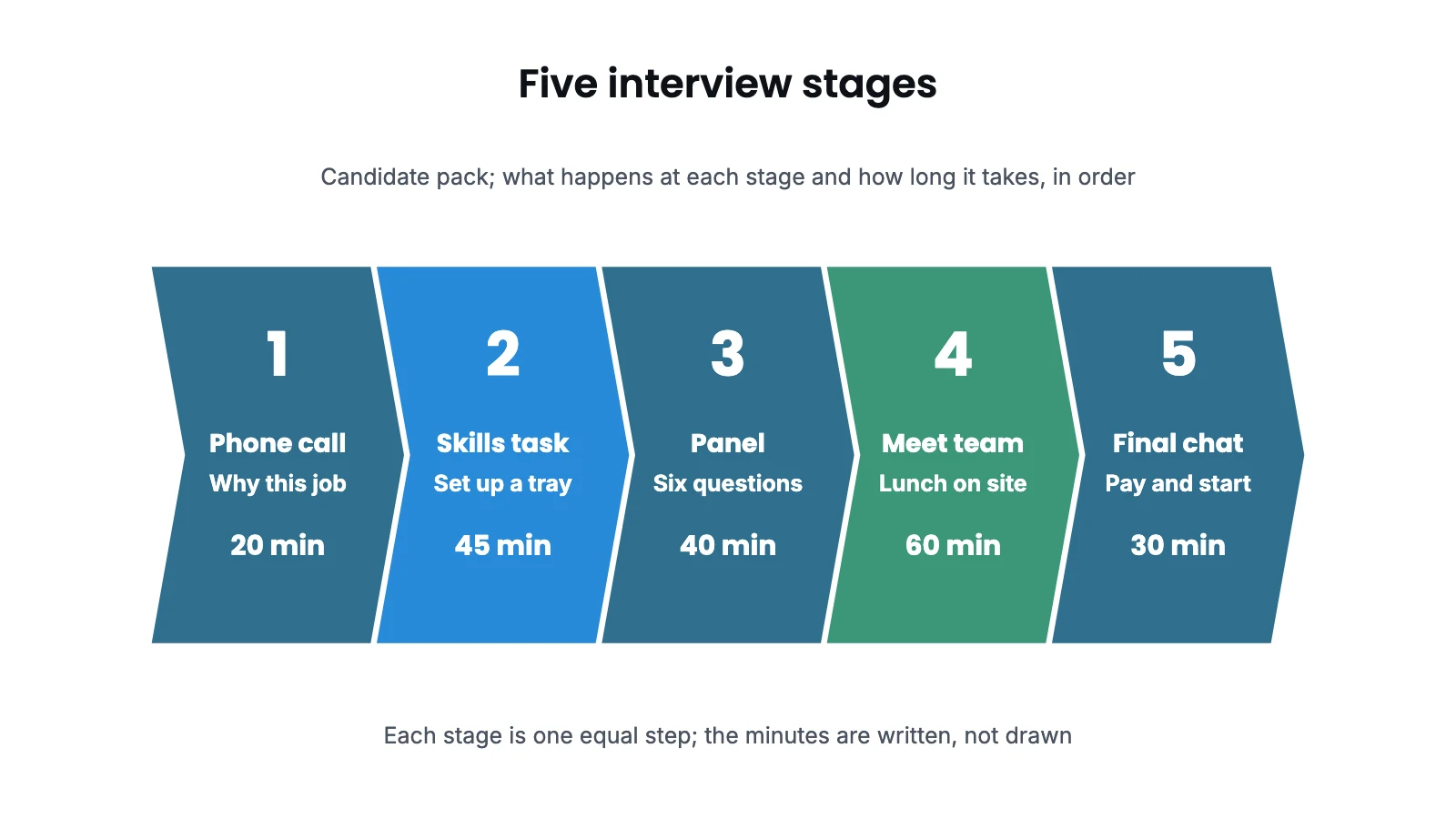
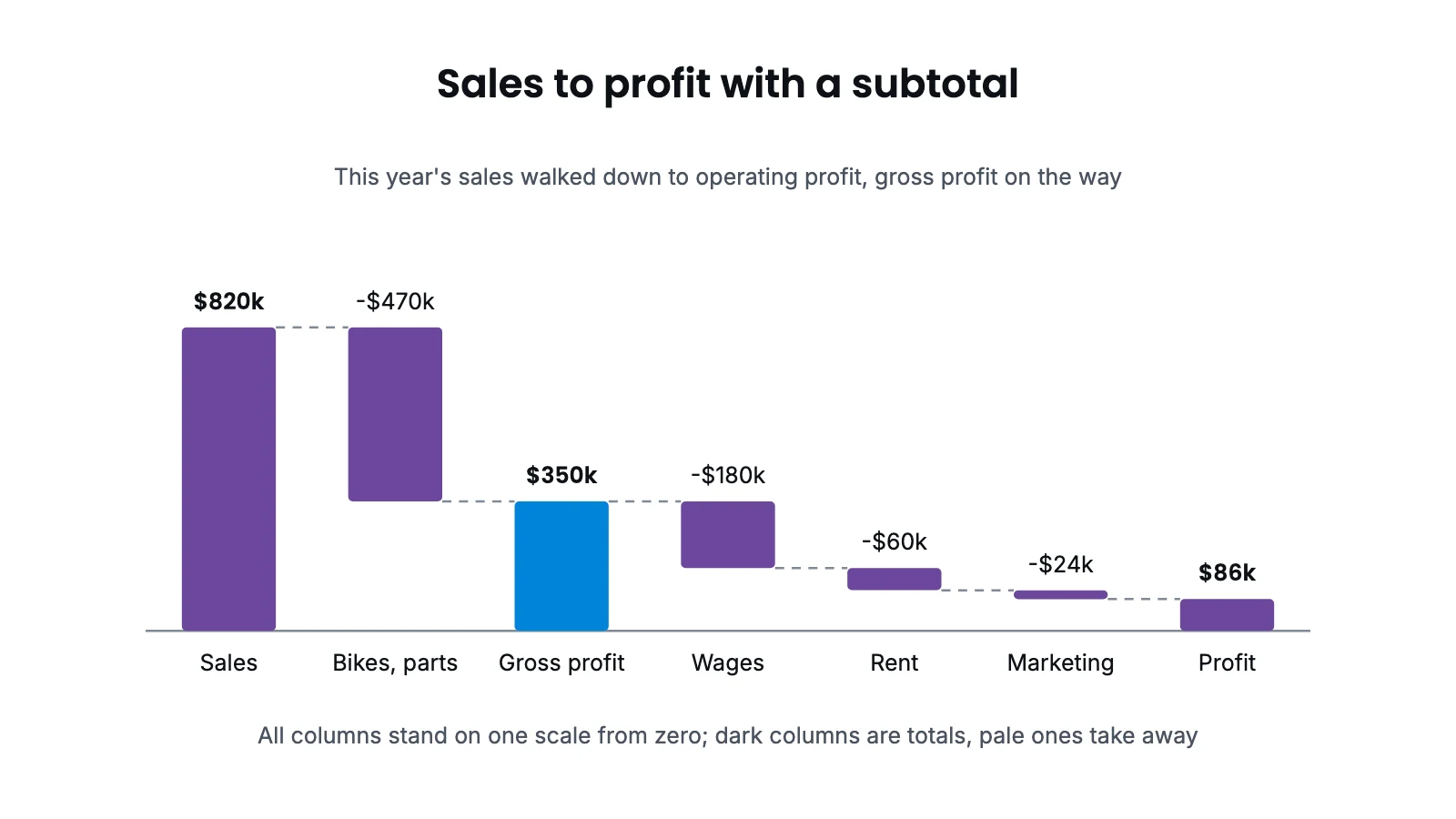
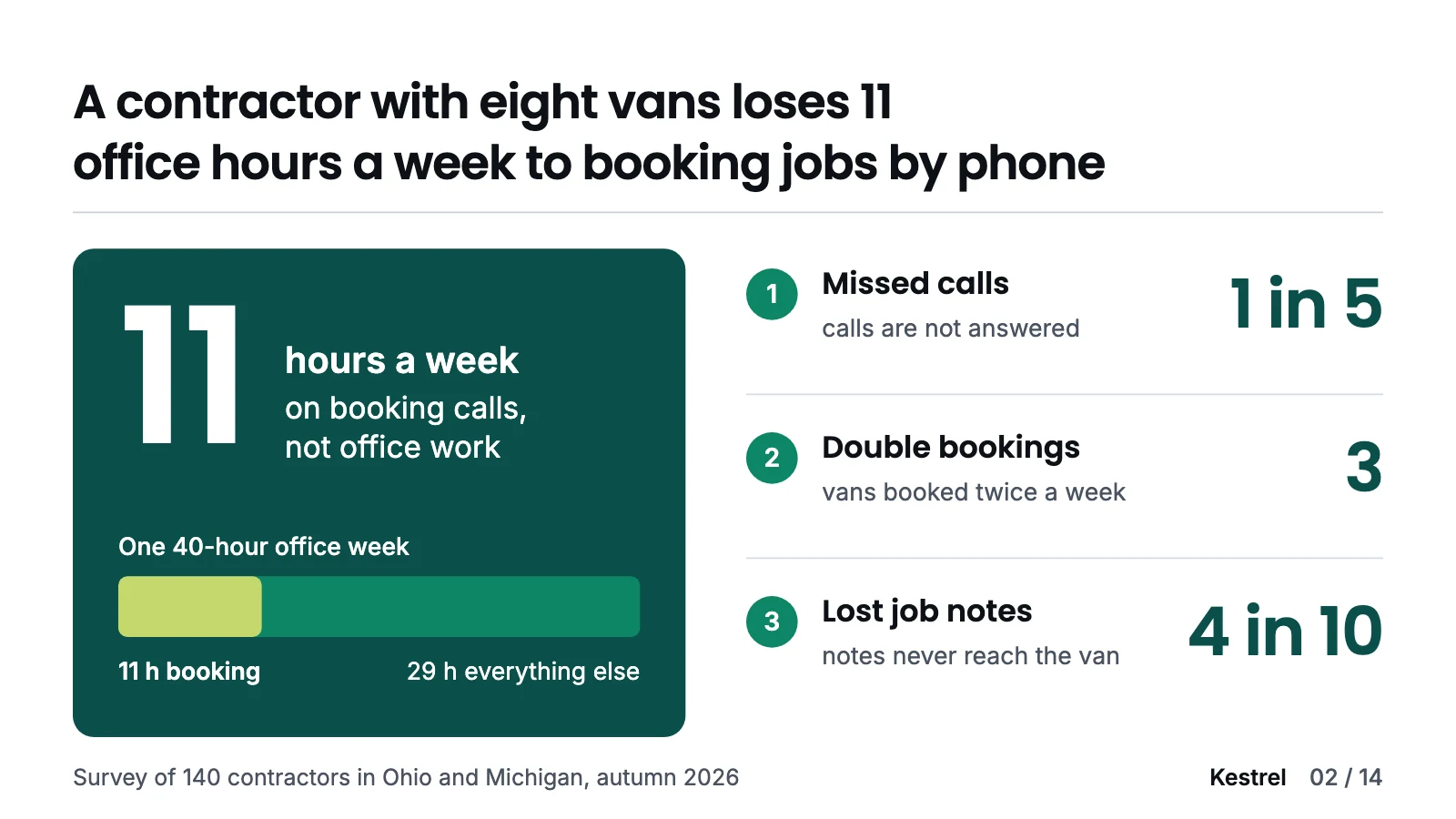
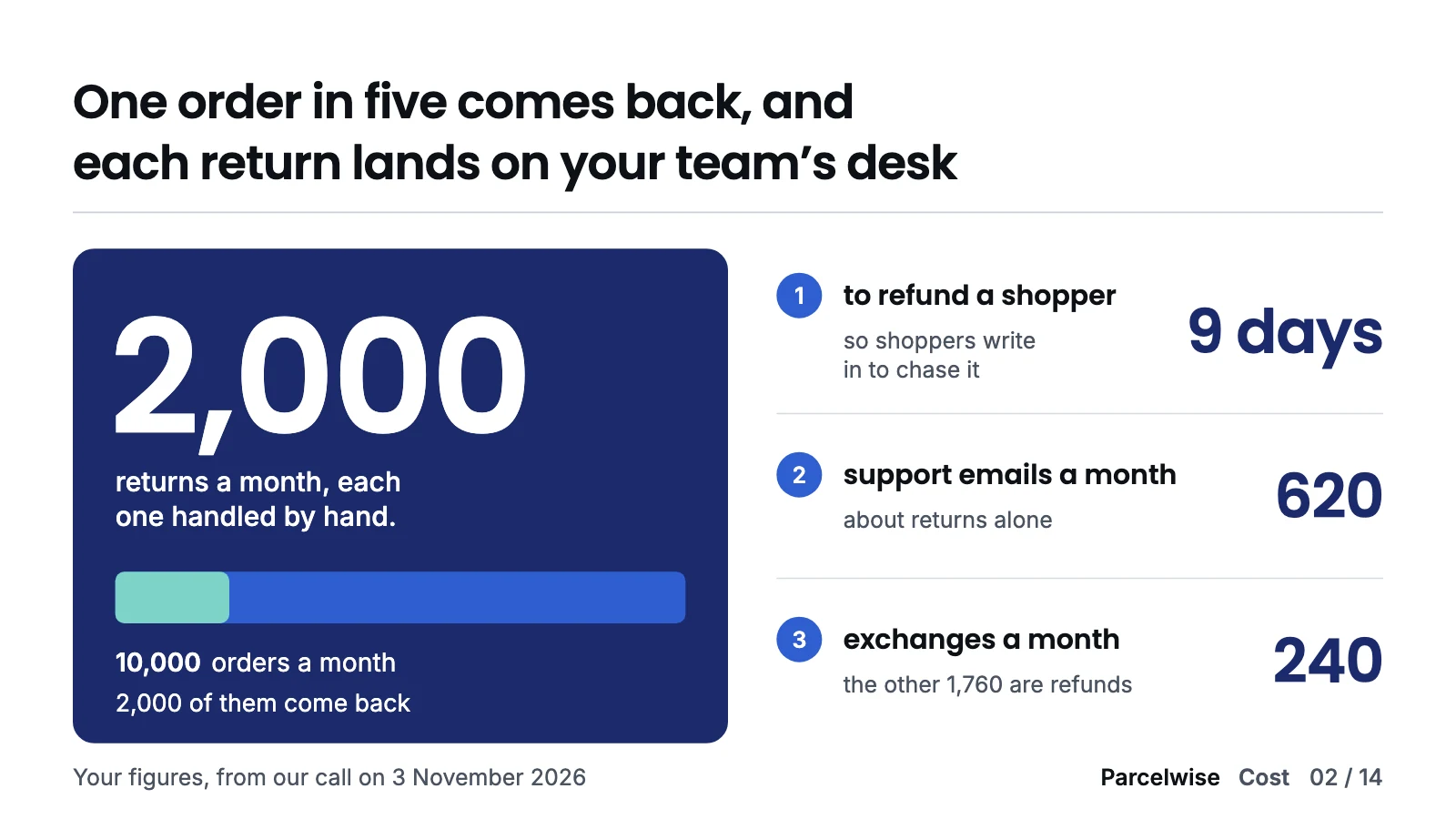
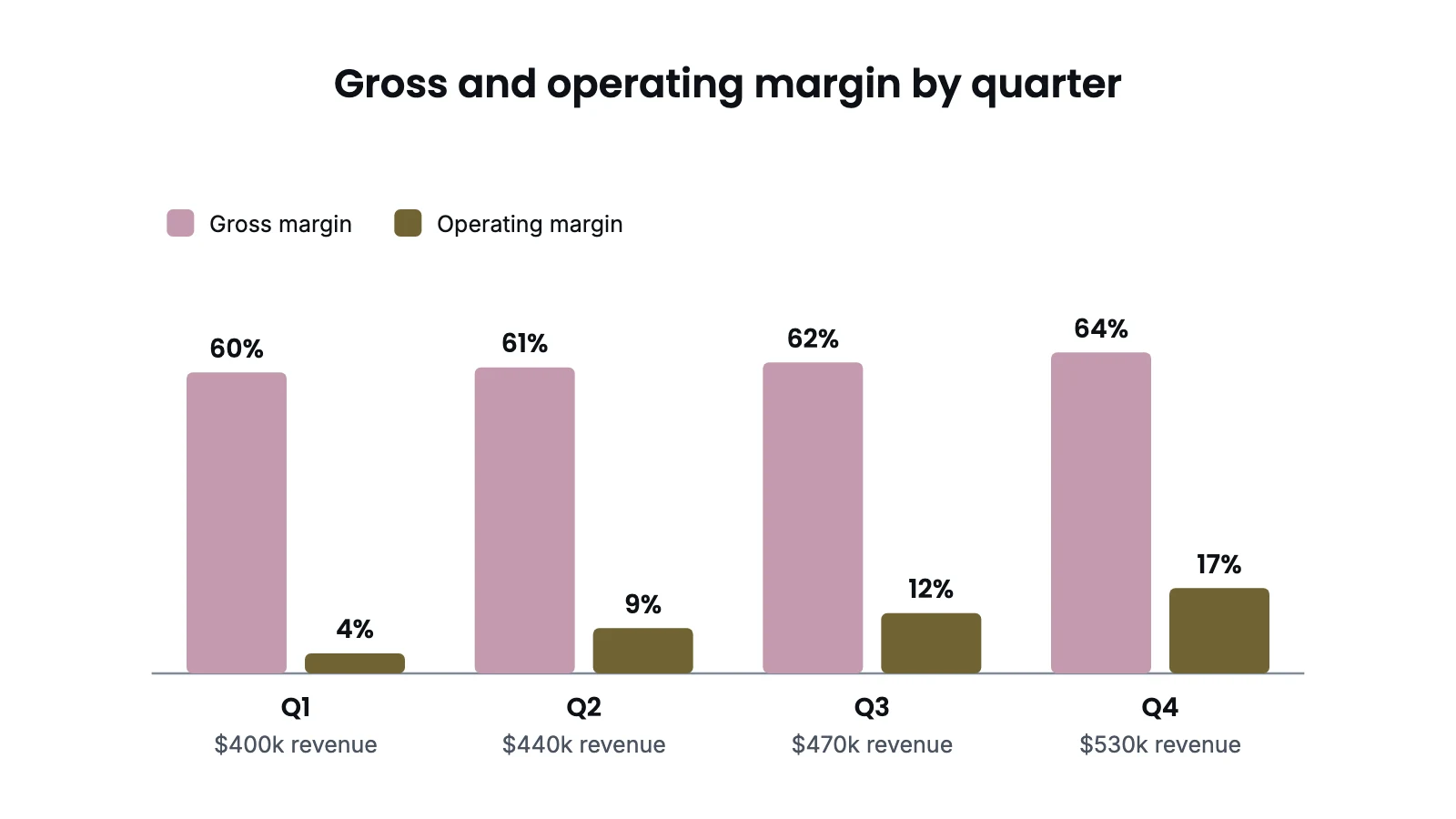
Gantt chart: project phases across the weeksBudget against actual spend by lineMarket size: total, serviceable and obtainableOrg chart: teams under one leadSales pipeline: deals by stageSurvey results: answers by shareHiring process: steps from post to offerWaterfall chart: how the total was reachedCustomer journey: stages from first visit to repeat
  • 4export formats
  • Freeto open any slide
  • EditablePowerPoint

Every Slide Starts Finished

A blank slide is where the hours go: lining up boxes, redrawing a chart that came out wrong. Here the layout and the chart are done, so your time goes on what the slide says.

01

Find the Slide by What It Shows

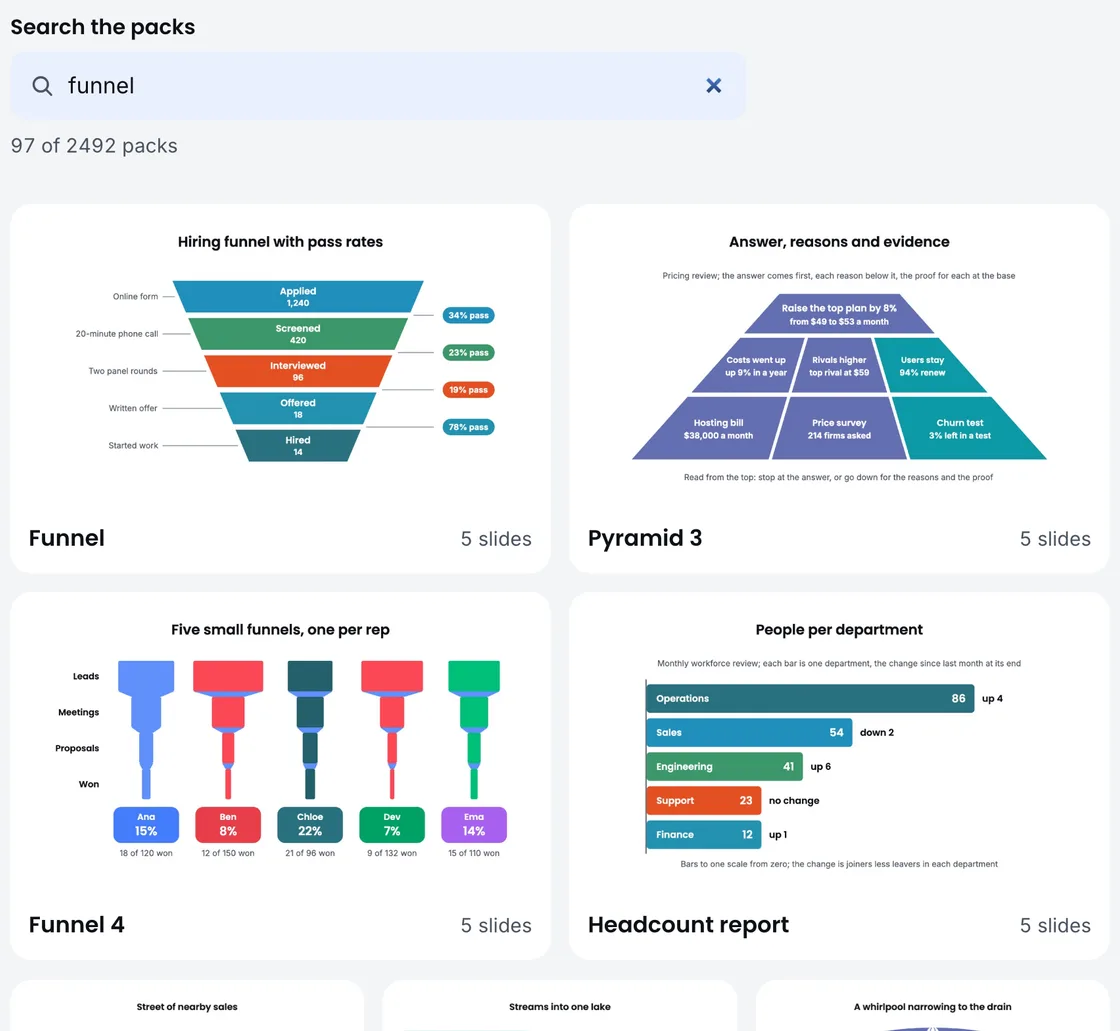
Type funnel, timeline or risk into the library search and the collections come up with their real slides. Each collection shows one idea five or six ways, so the one that fits your point is usually there.

  • Collections grouped by topic
  • Every slide in a collection shown large on its page
  • One press opens it ready to change
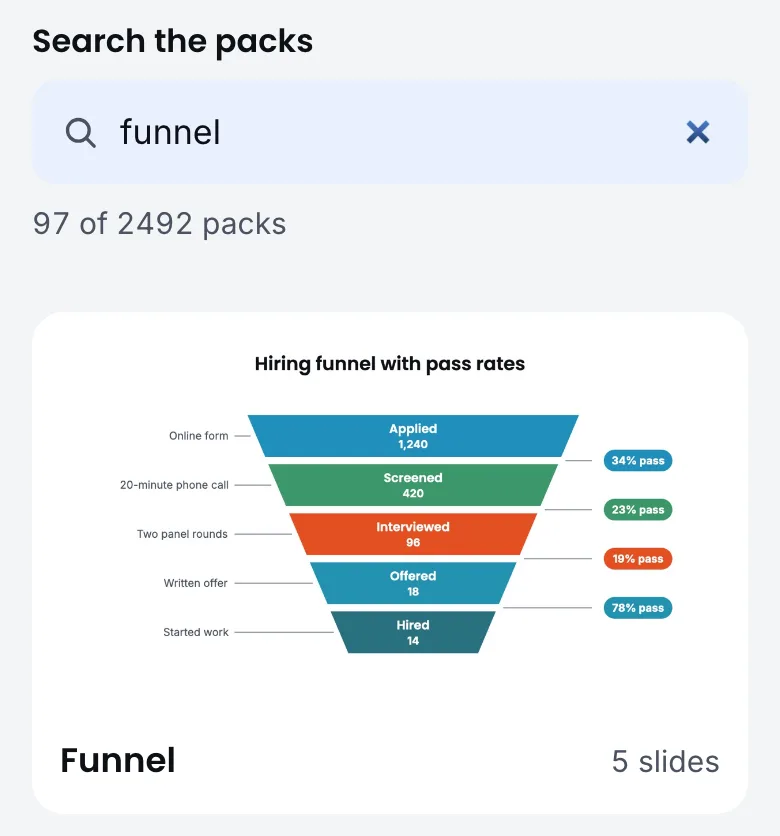
The slide library searched for funnel: the first rows of result tilesThe library searched for funnel: the search box and the first result, the Funnel collection

02

Change It Right on the Slide

Press a word and type over it. Drag a shape and snap lines keep it in line. Only what you pressed changes.

  • Words, numbers, colours and shapes all change in place
  • Add text, shapes, arrows and icons
  • Undo goes back one step at a time
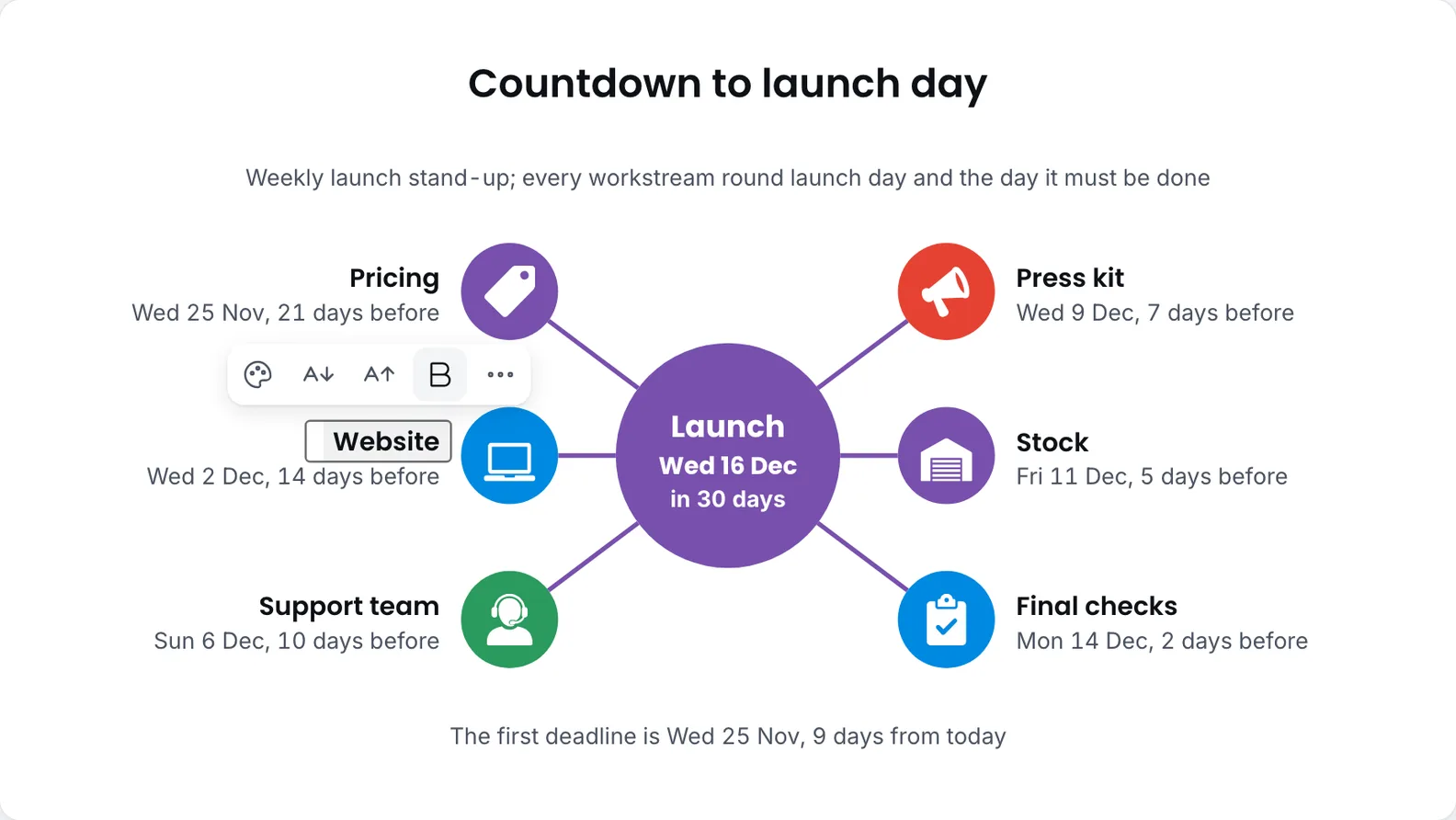
A launch slide with one workstream label in edit and the format bar above it

03

Type Your Figures and the Chart Follows

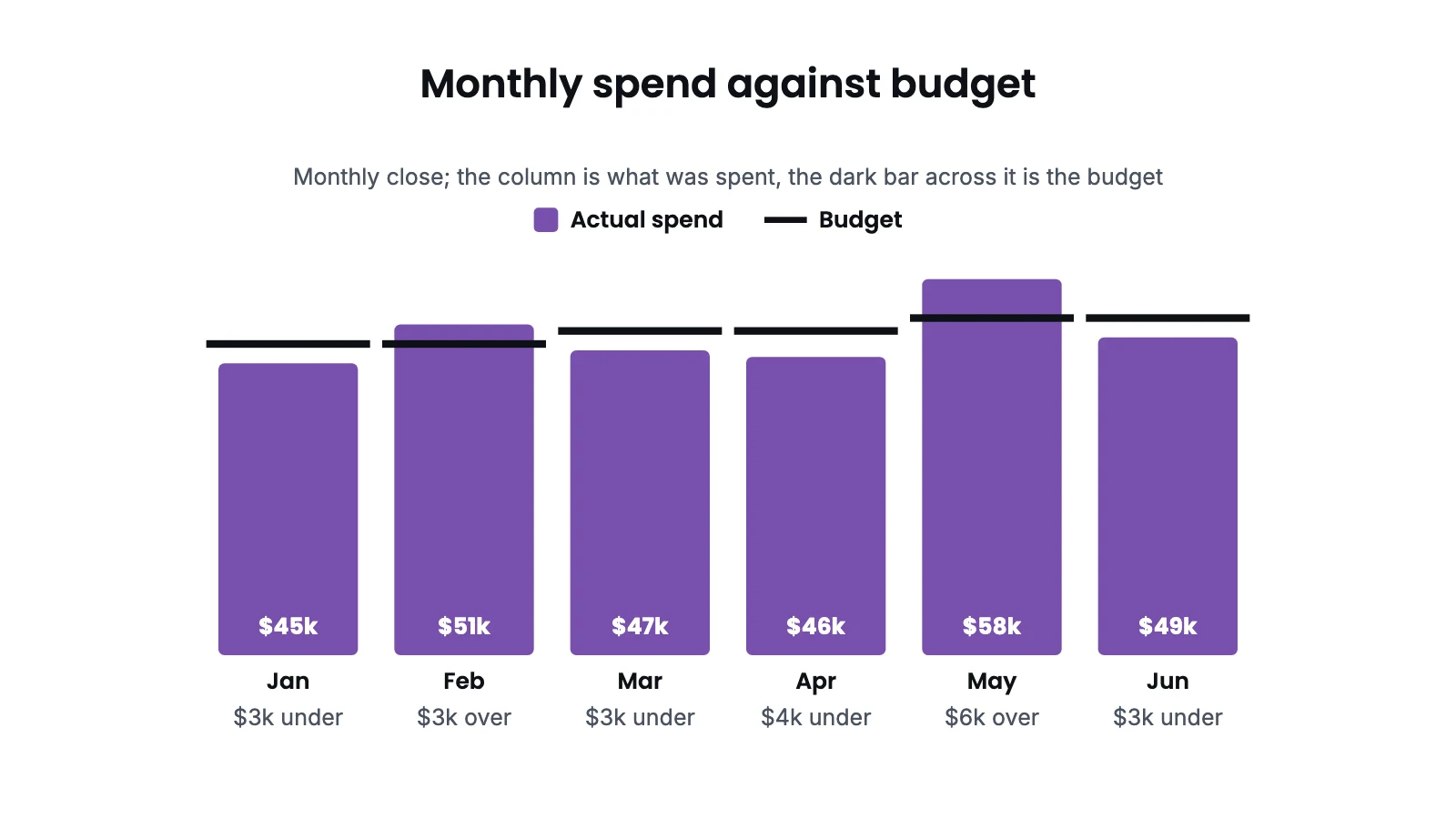
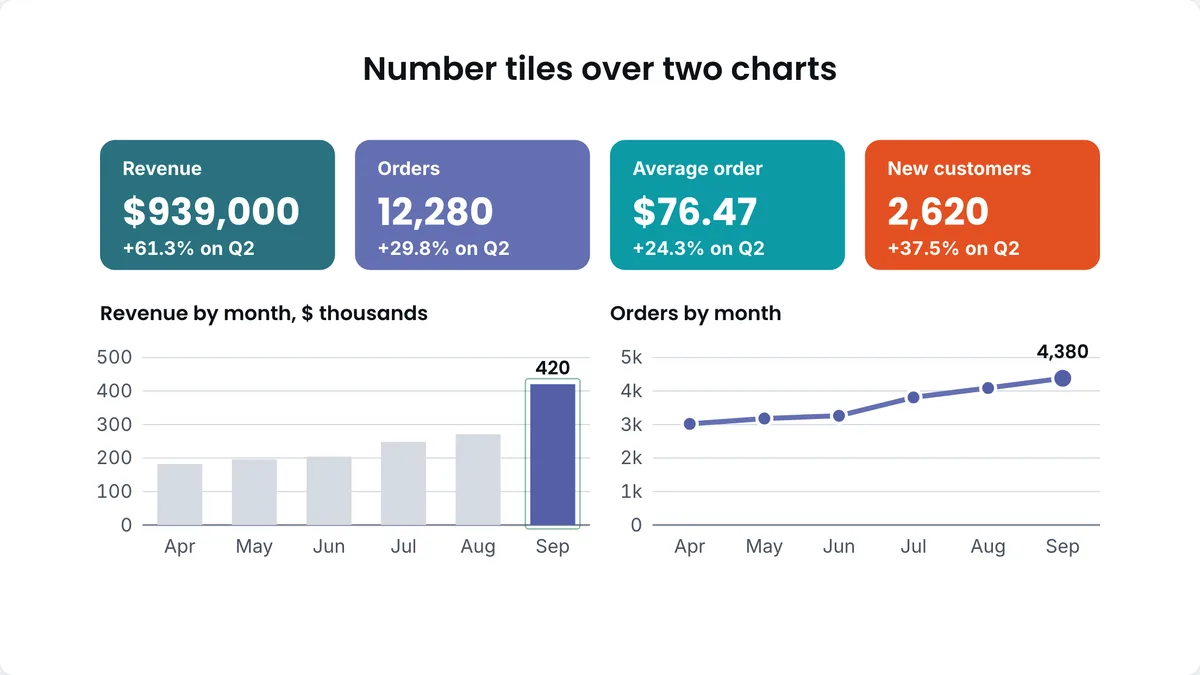
Open the Numbers table on a chart slide and type your own figures. Type 420,000 for September: the bar grows and the revenue tile adds it up. Your figures stay in your browser.

  • Bars and tiles follow the table
  • Works on chart slides that carry a Numbers table
  • Undo puts the old figure back
The KPI slide after September was typed as 420,000: the bar reads 420 and revenue reads $939,000

04

Build the Deck, Then Present or Export

Add slides from any collection to one deck and put them in order. Present it full screen from the browser, or download it as one PowerPoint file or one PDF.

  • PowerPoint, PDF, PNG and SVG
  • Present from the browser, slide by slide
  • Copy a slide as a picture for chat or a doc
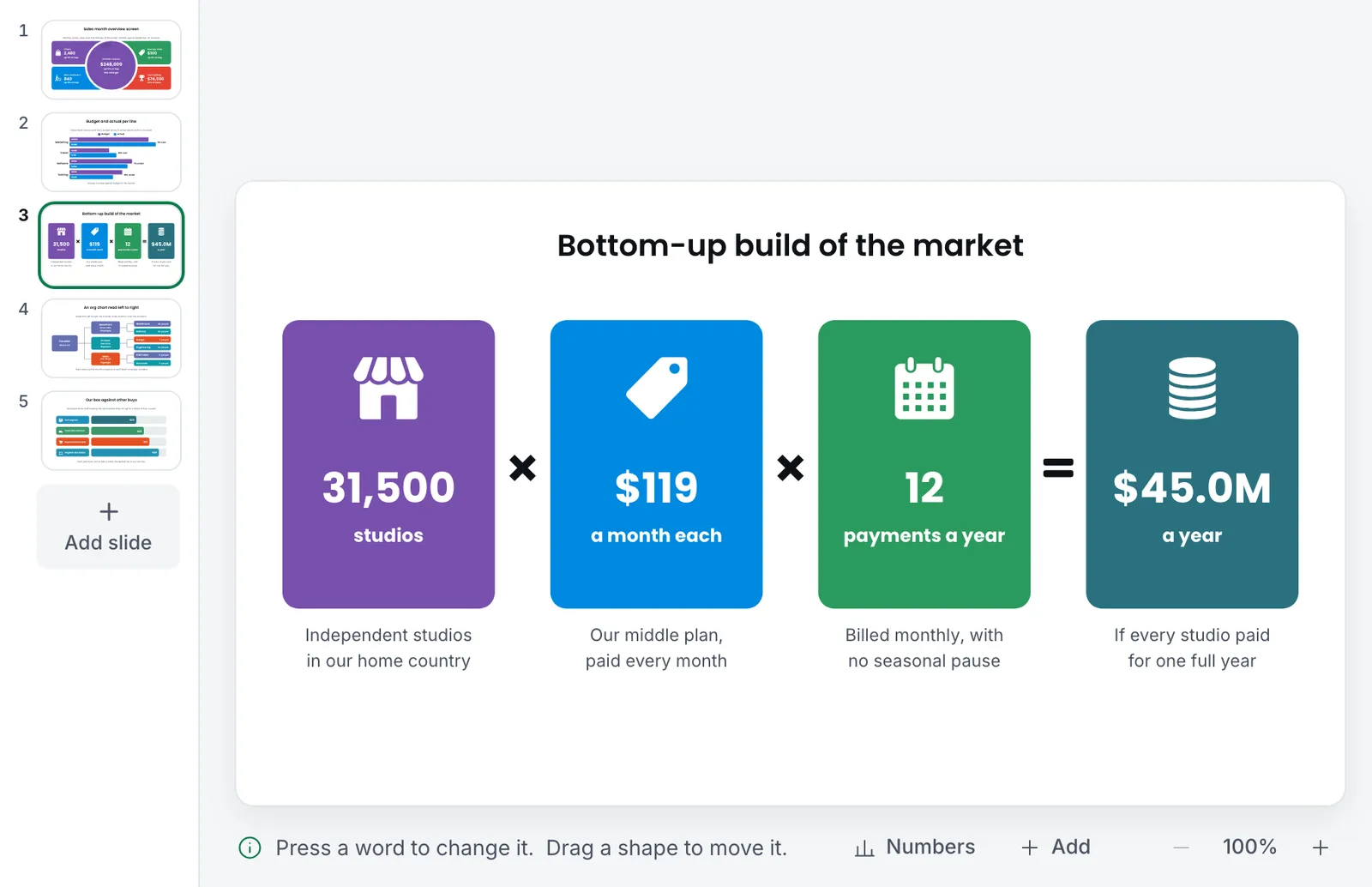
A five-slide quarterly update deck in the editor: the slide strip with Add slide, and the third slide beside it

Built Around the Slides People Present Every Week

Roadmaps, waterfall charts, risk grids, funnels, org charts, Gantt charts, budgets and mind maps, each with real example words and figures. The library is sorted by the job a slide does.
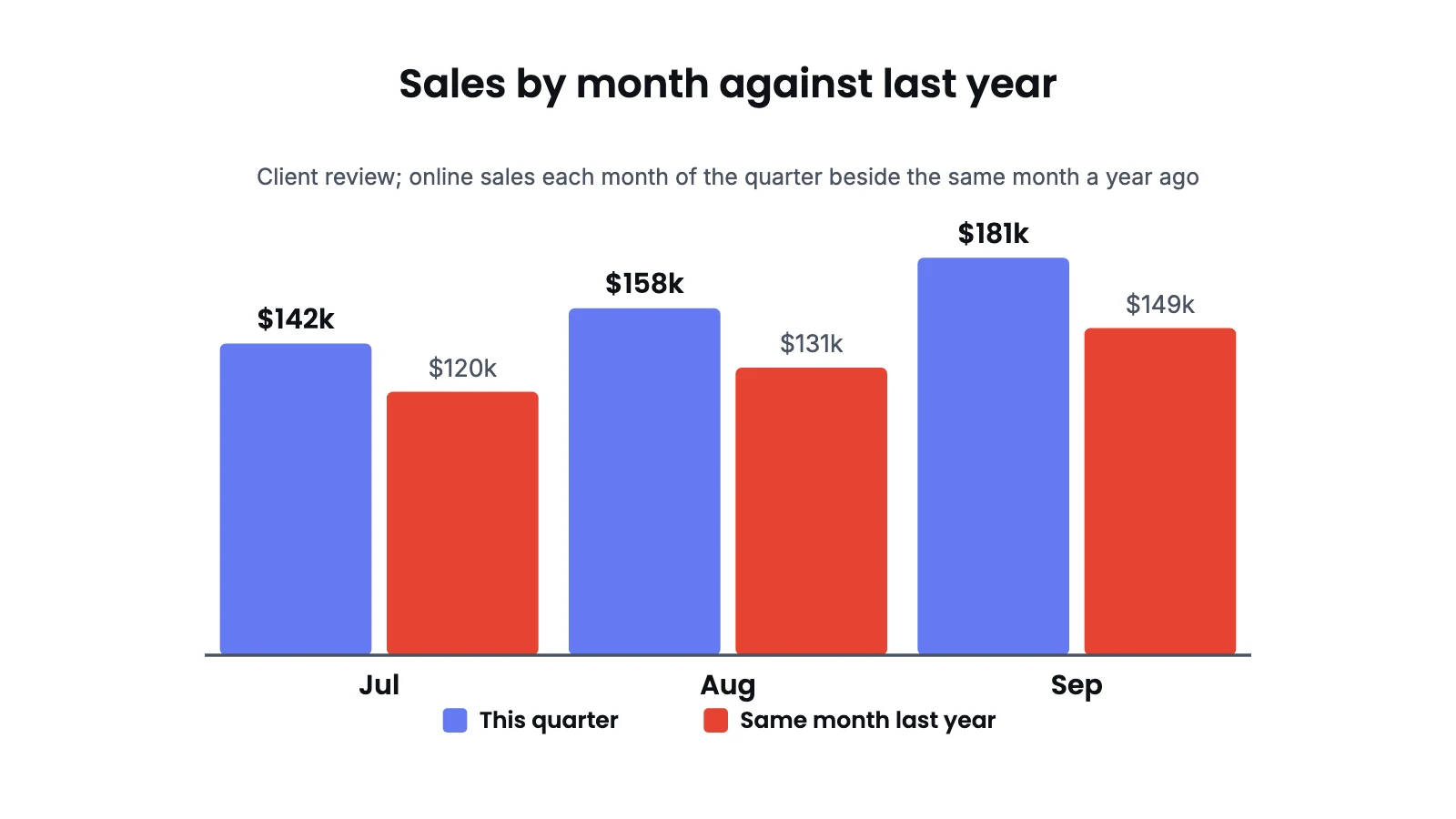
Sales by month, this quarter beside the same quarter last year

Monthly and Quarterly Updates

This quarter beside the same quarter last year, KPI tiles, a scorecard table and a monthly trend line, for the update you give every month.
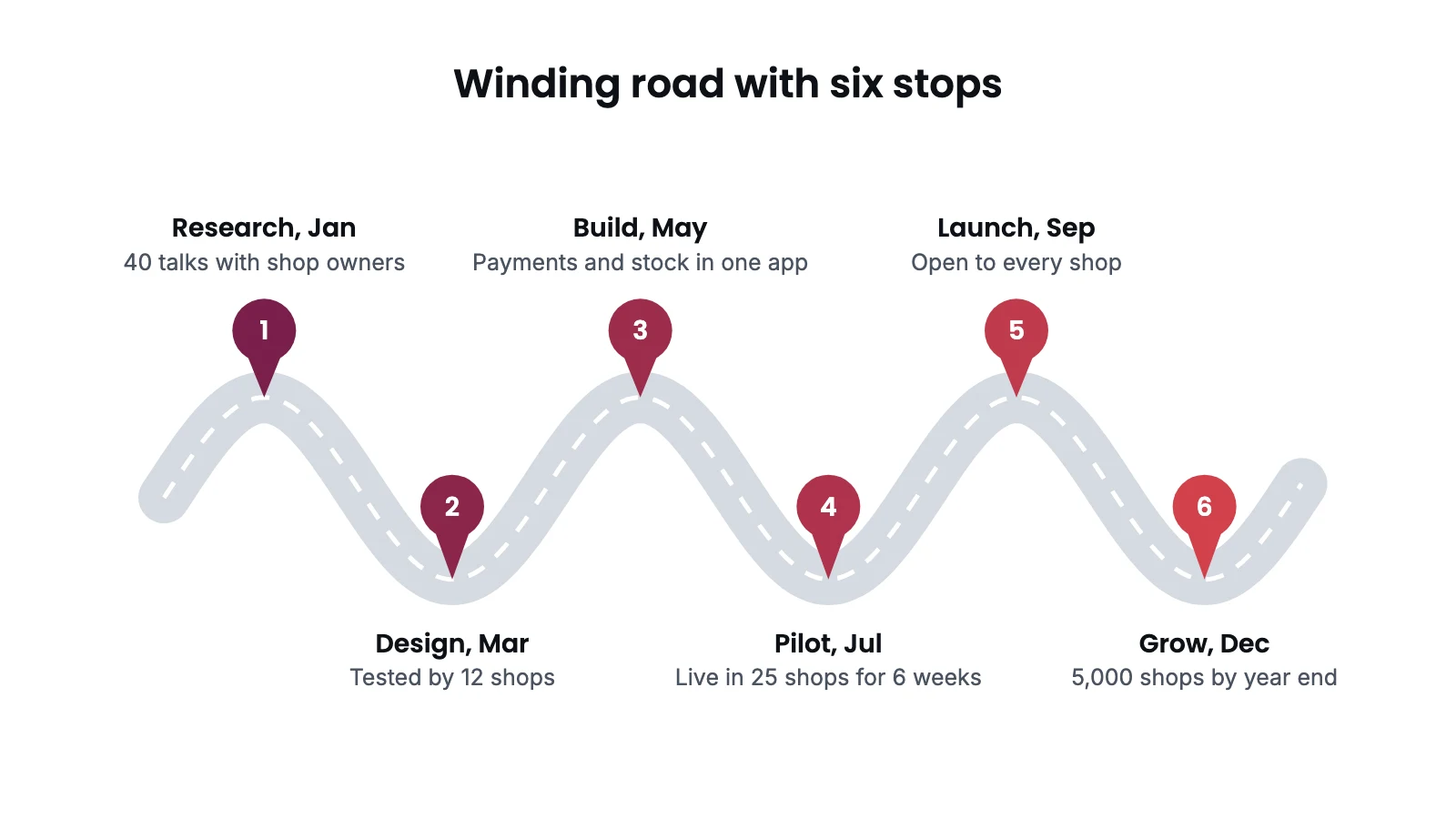
Roadmap as a winding road with six stops

Plans and Roadmaps

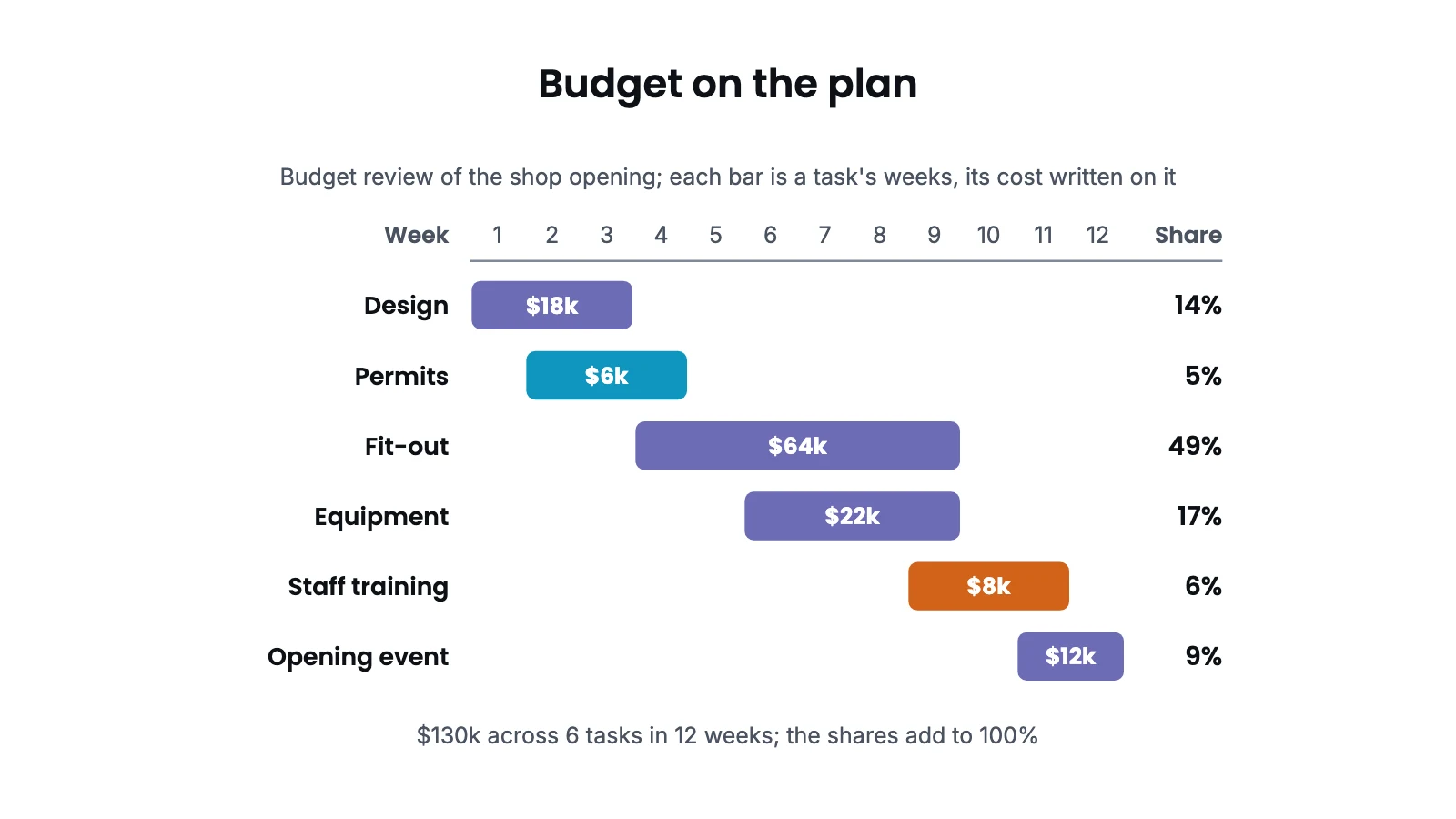
A winding road with six stops, teams by quarter and a release rail for product plans, plus Gantt charts with a today line.
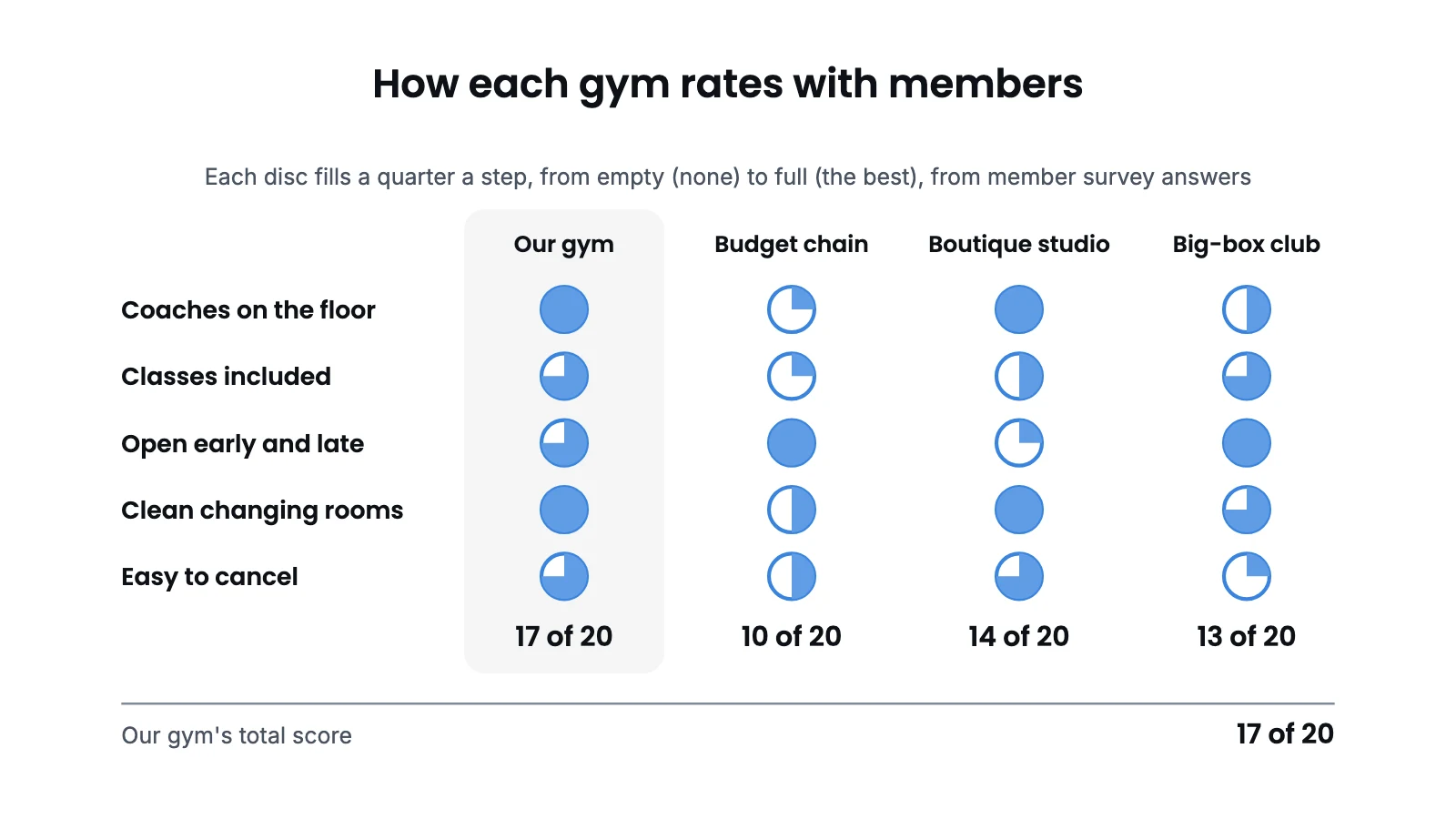
Four gyms compared on what members want

Proposals and Sales Calls

Side by side comparisons, funnels, a sales process and a pricing table, for the meeting where someone has to say yes.
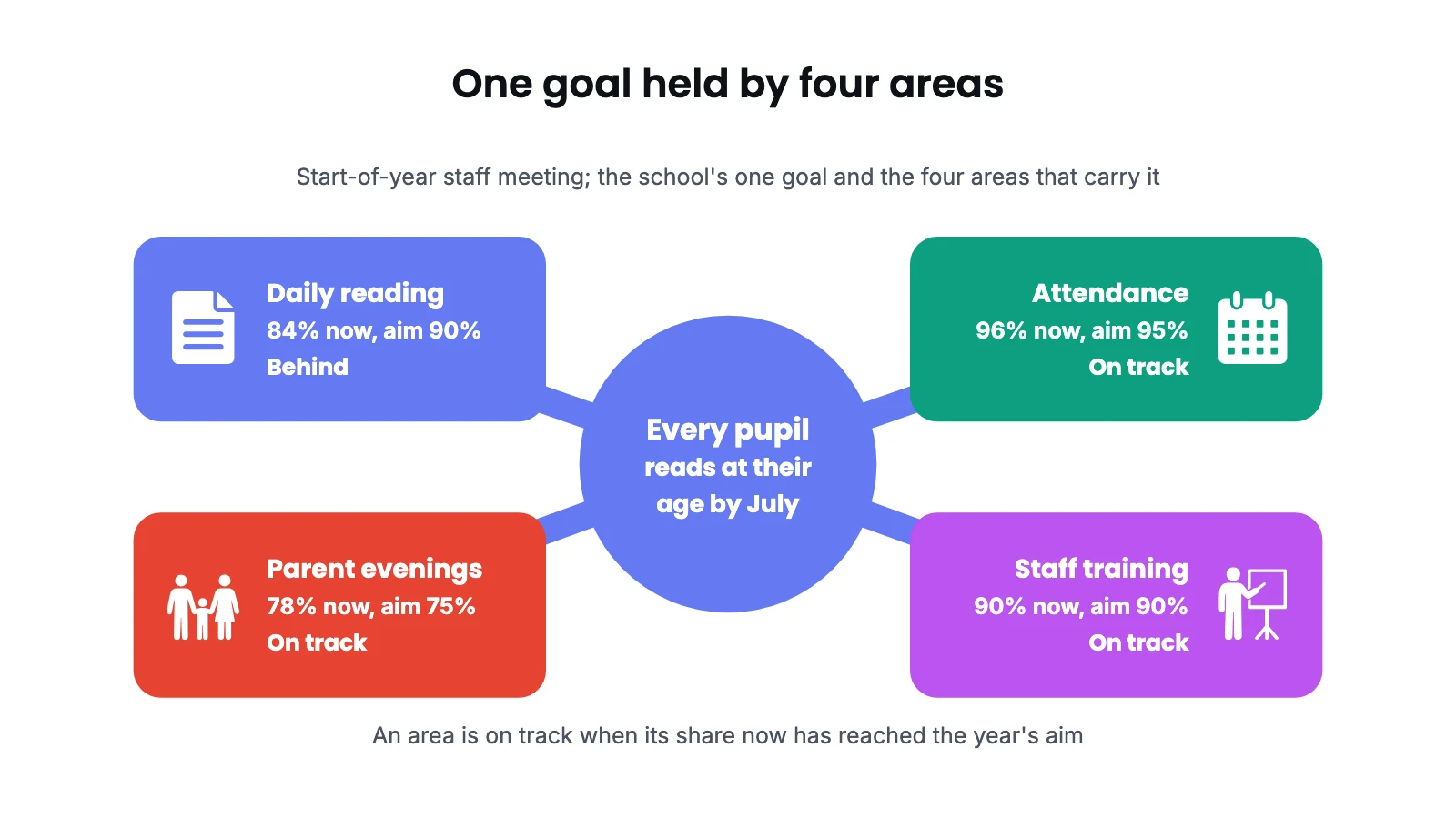
A school reading goal with four areas and their progress

Lessons and Workshops

Goals with their measures, mind maps, cycles, timelines and step slides with plain example words, for a class or a team training.
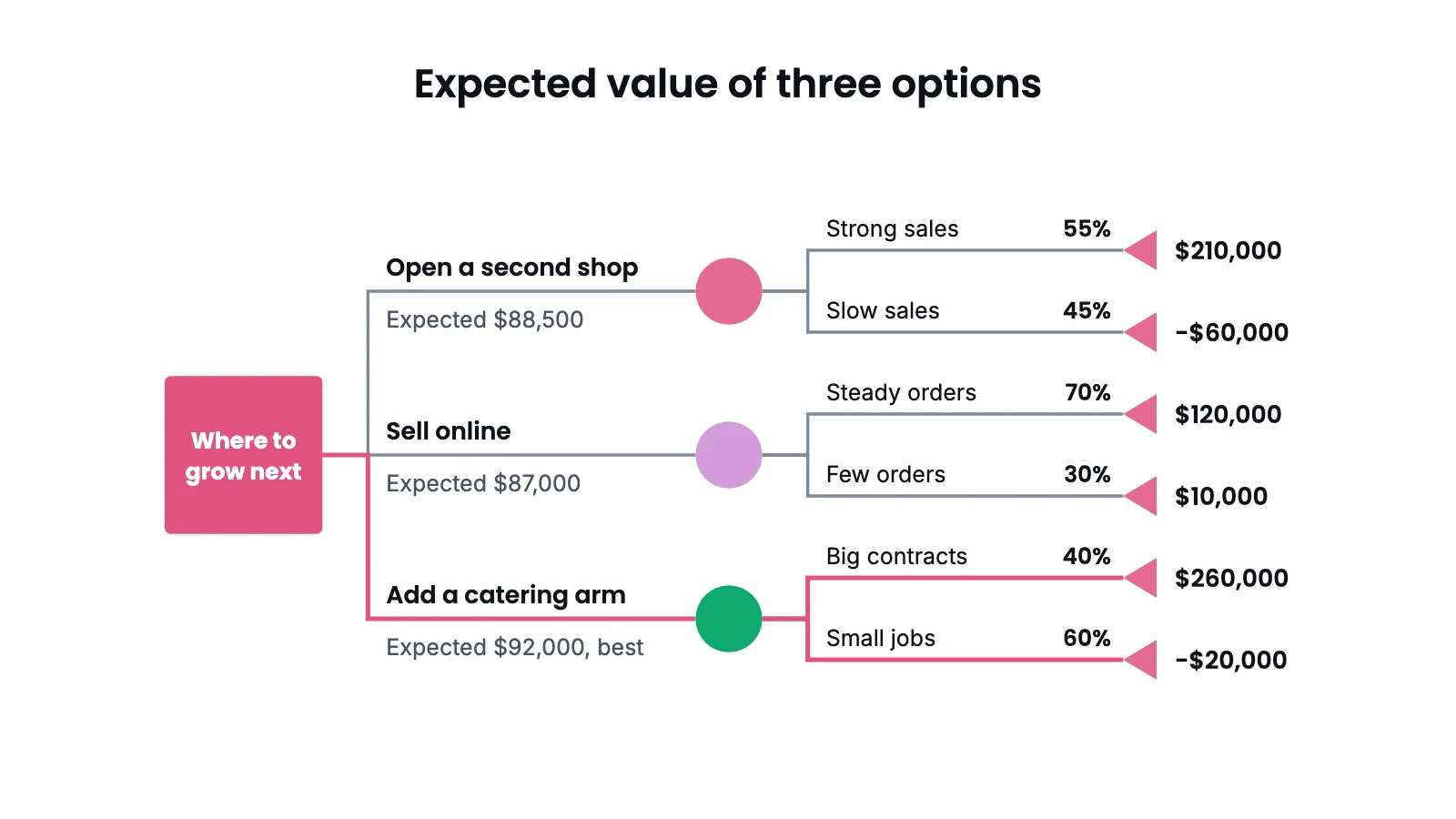
A decision tree comparing ways to grow by expected value

Risks and Decisions

A decision tree with expected values, a likelihood and impact grid, a SWOT and a bow tie, for the slide that has to be honest about what could go wrong.


Change the Whole Look in One Press

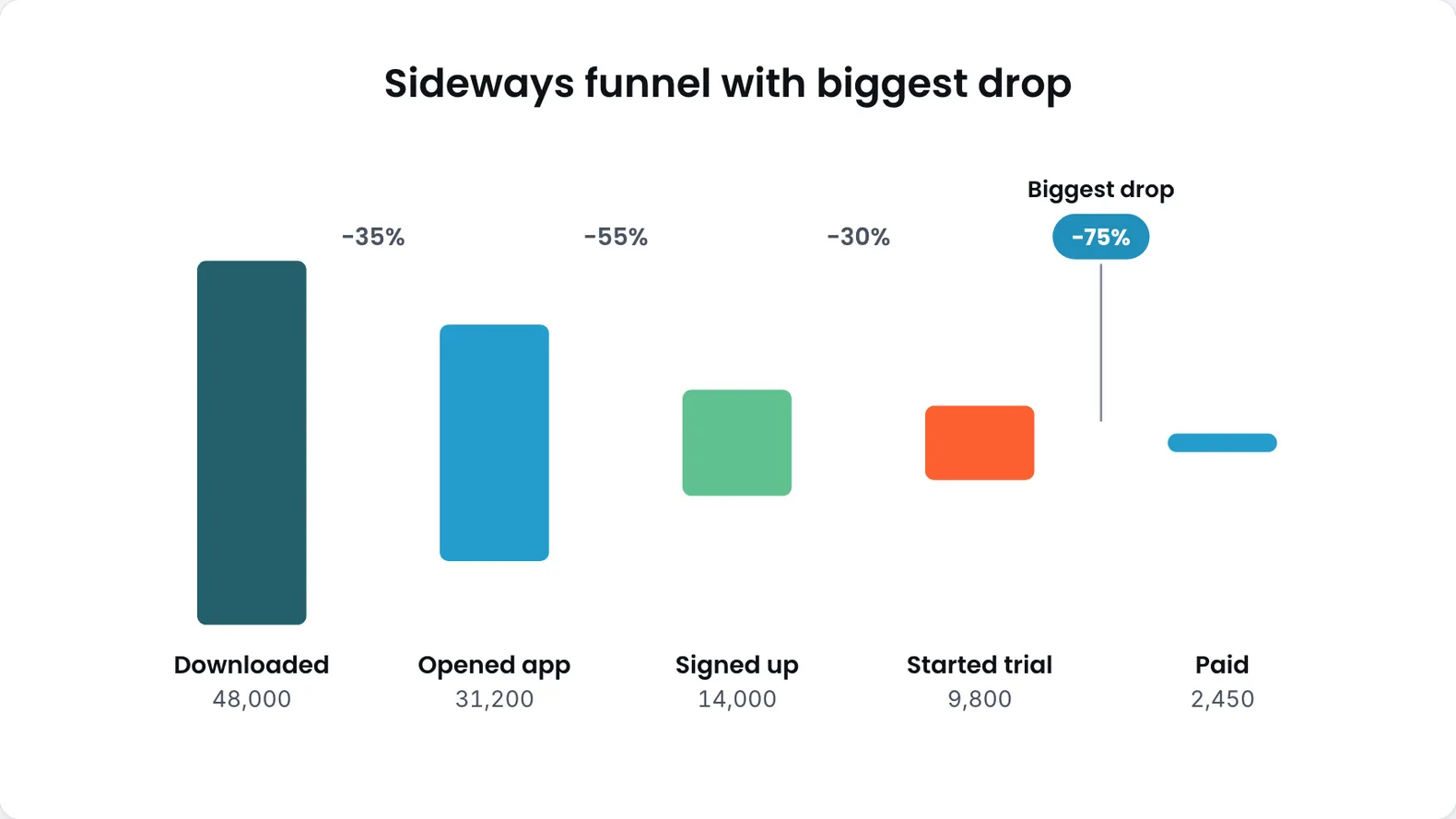
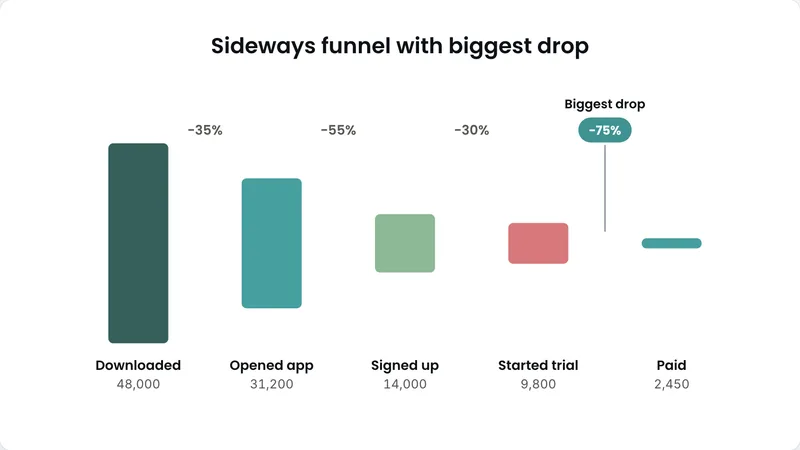
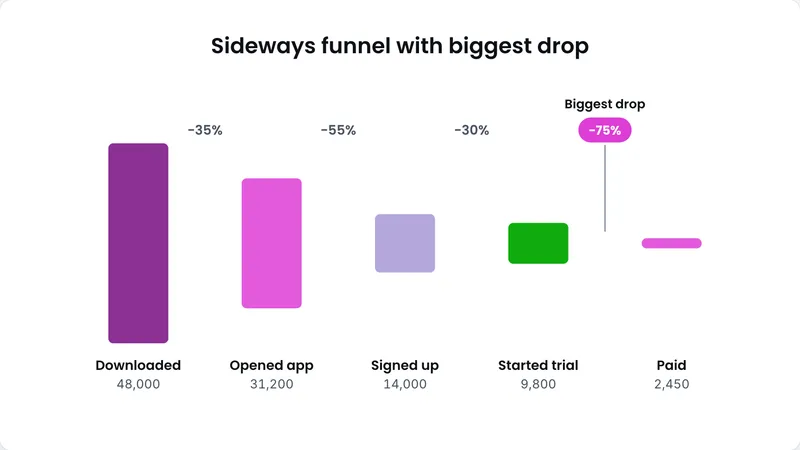
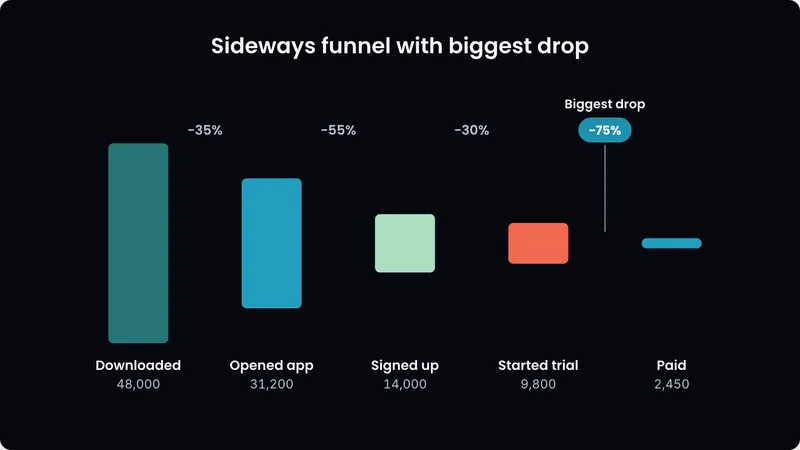
Pick a theme and the whole slide takes its colours at once, charts included. Here is one funnel in four looks.

A sideways funnel in the Evergreen theme with its biggest drop markedThe same funnel in the Slate themeThe same funnel in the Berry themeThe same funnel in the Midnight theme, on a dark ground

You Write the Deck. The Slide Is Already Designed.

Tools that write slides for you are quick for a first draft. The second hour is where the time goes.

Slides Written for You

  • Every deck comes out looking the same
  • Ask for a change on one slide and others change too
  • The chart is a picture, so your real figures do not fit it
  • Fixing it by hand is harder than starting over

Slides You Change Yourself

  • You pick the design from a library of finished slides
  • Only what you press changes
  • Chart slides with a table update from your figures
  • Every word on the slide is one you typed or kept
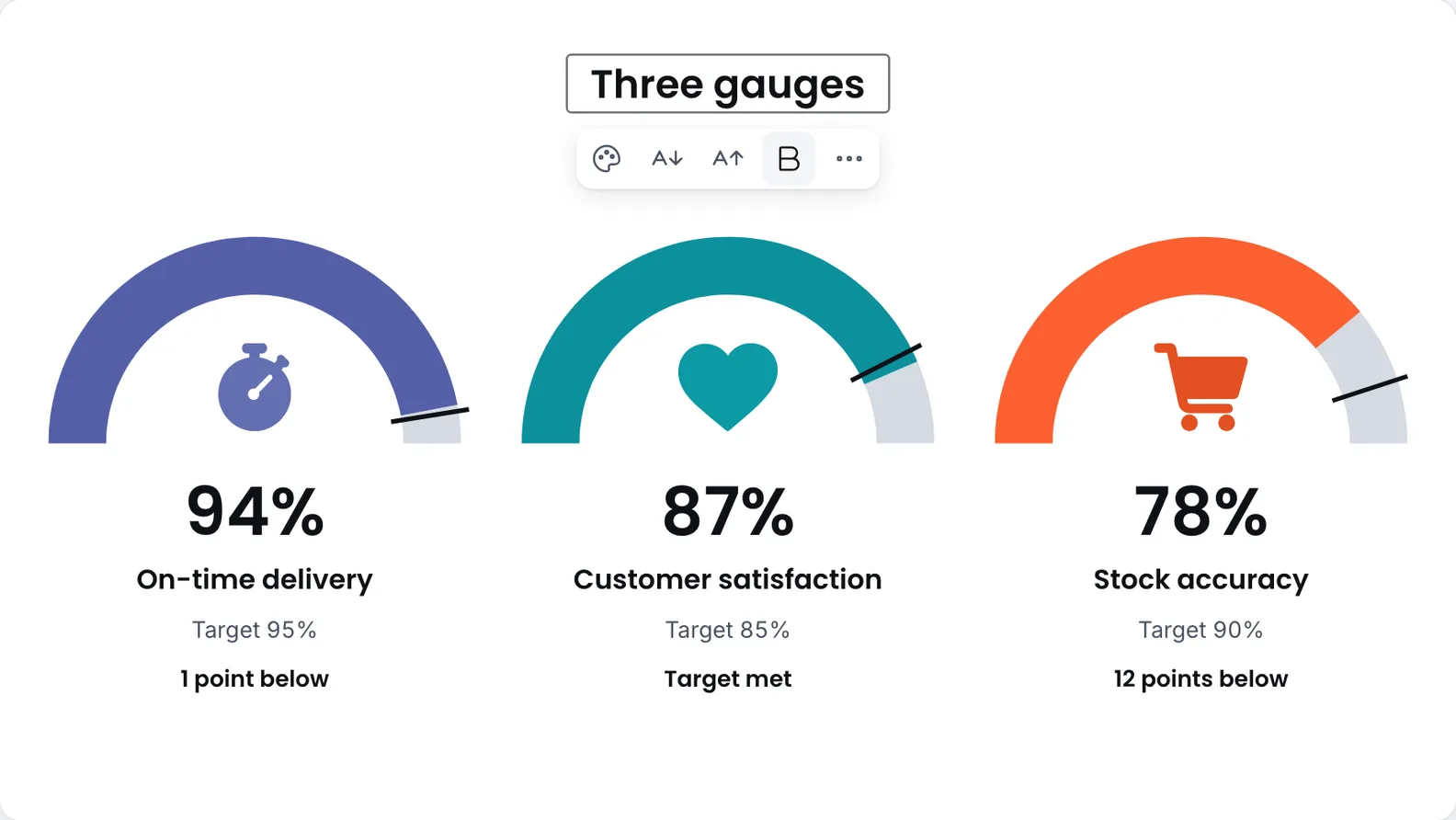
A KPI slide of three gauges with its title in edit and the format bar under it

HighBrief does not write slides for you. If you want a full deck from one sentence, it is the wrong tool. If you already know what you want to say and need it to look right, it is the quick one.

Present or Send It From Any Device

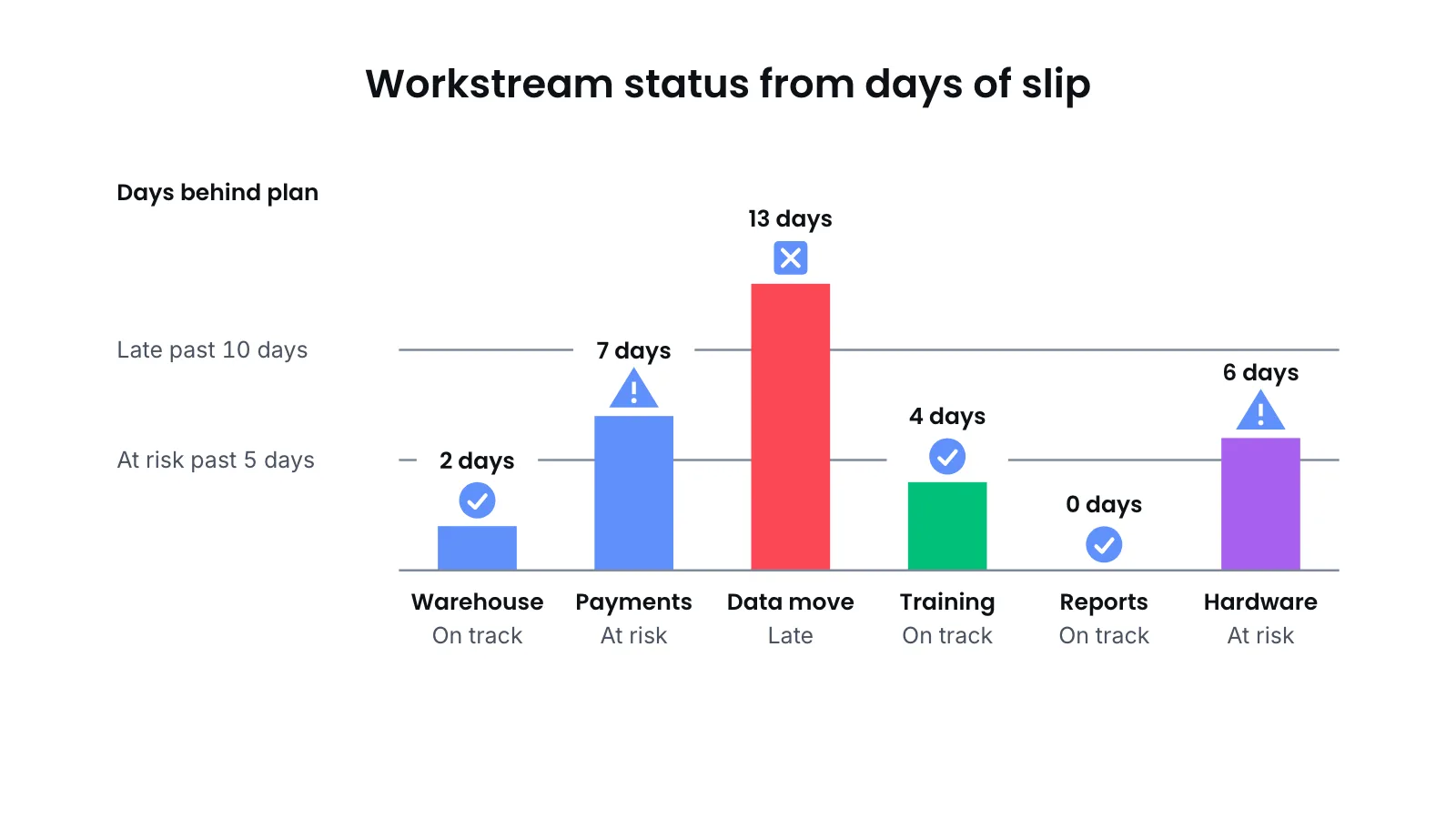
A workstream status slide shown full screen in Present

Present From the Browser

Full screen, one slide at a time, from any page of the deck.

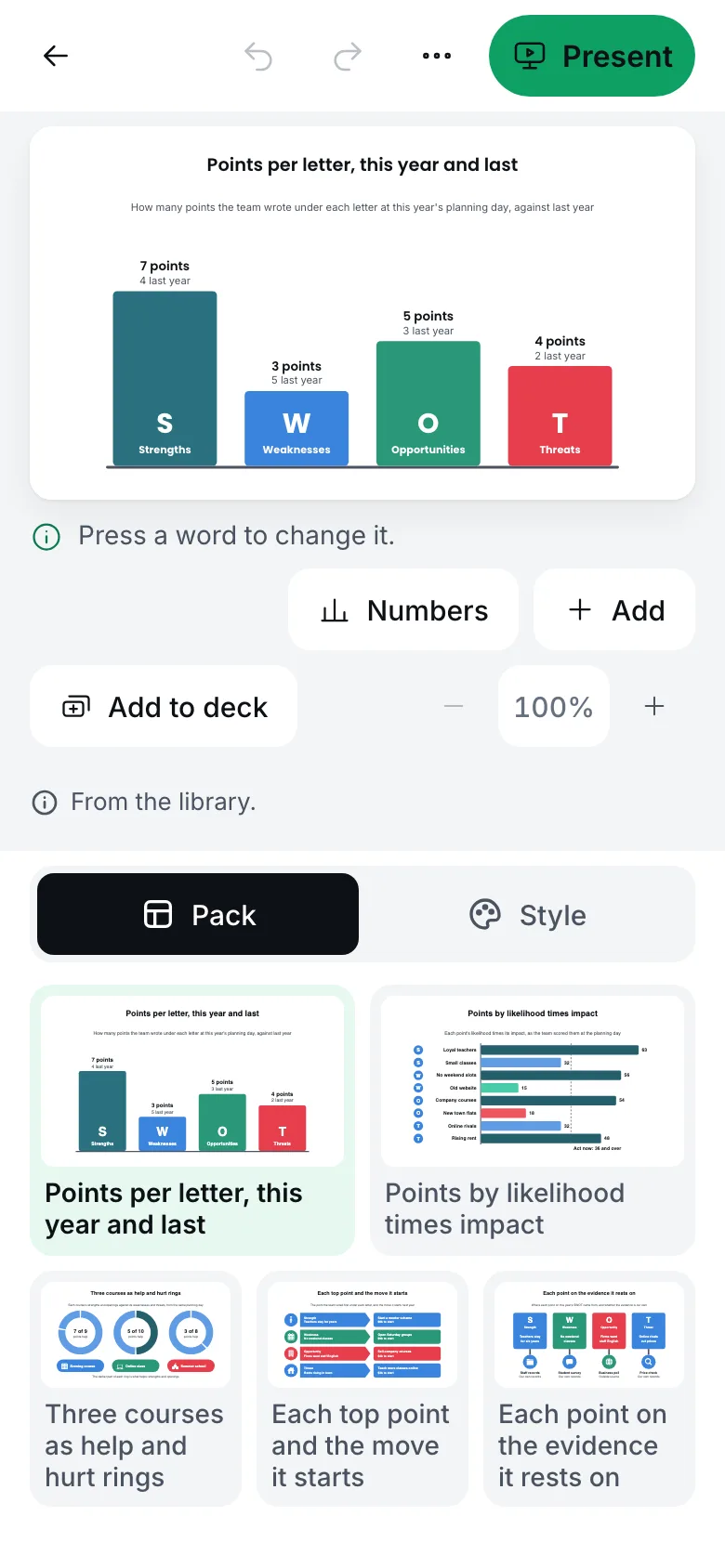
The editor on a phone with a SWOT slide and the collection below it

On Your Phone

The same editor fits a phone screen, so a late change does not wait for a laptop.

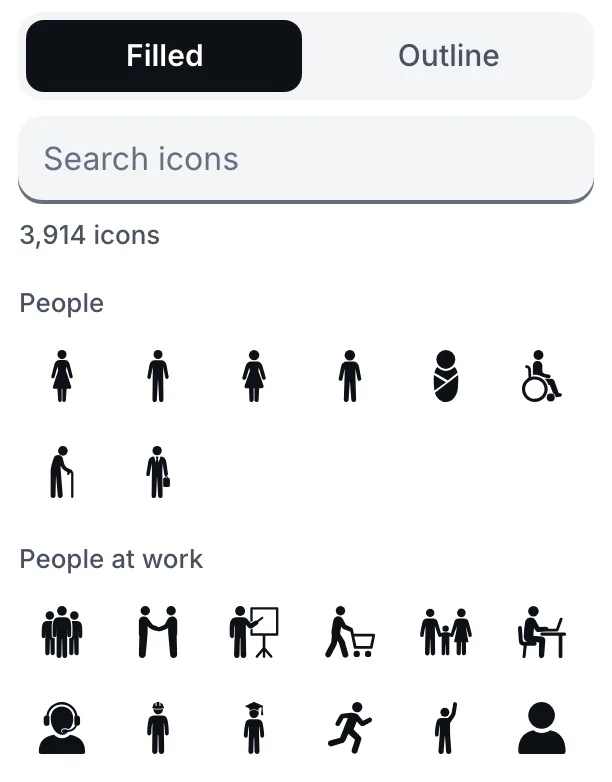
The icon gallery: Filled or Outline, a search box, icons in groups

Icons for Every Topic

Search by word, pick filled or outline, and put one anywhere on the slide.

Pay Once. Keep Your Slides.

Lifetime

$69once, no monthly fee

  • Every template in the library today, yours to keep
  • New templates and updates for your first 3 months
  • Edit your slides forever
  • PowerPoint, PDF, PNG and SVG downloads
  • You keep the files
Open the Free LibrarySee both plans

Questions Before You Start

Questions? Contact us

What do I get when I download?

A PowerPoint file (.pptx), a PDF, a PNG picture or an SVG file. PowerPoint and PDF take the whole deck in one file; PNG and SVG take the slide you are on.

Can I use the slides in client work?

Yes. You can use what you make for personal or paid work, and you own what you make. We claim no rights over your words or your files.

Where are my decks kept?

In your browser, on the device you made them on. Your words and figures are not sent to us. Download a copy of anything you need to keep, because clearing your browser clears them too.

Does it work on a phone or tablet?

Yes. The library and the editor fit a phone screen, and you press and type on the slide the same way as on a laptop.

Does it write the slides for me?

No. It gives you finished designs with example words and figures, and you change them. Nothing you type is rewritten.

How much does it cost?

Looking inside any slide is free, with no account. Editing and the download come with one payment, Lifetime or Lifetime Plus. Nothing ever renews.

Your Next Deck Is Half Done Already

Open a slide, press the first word and type yours

Open the Free Library